Subfolders
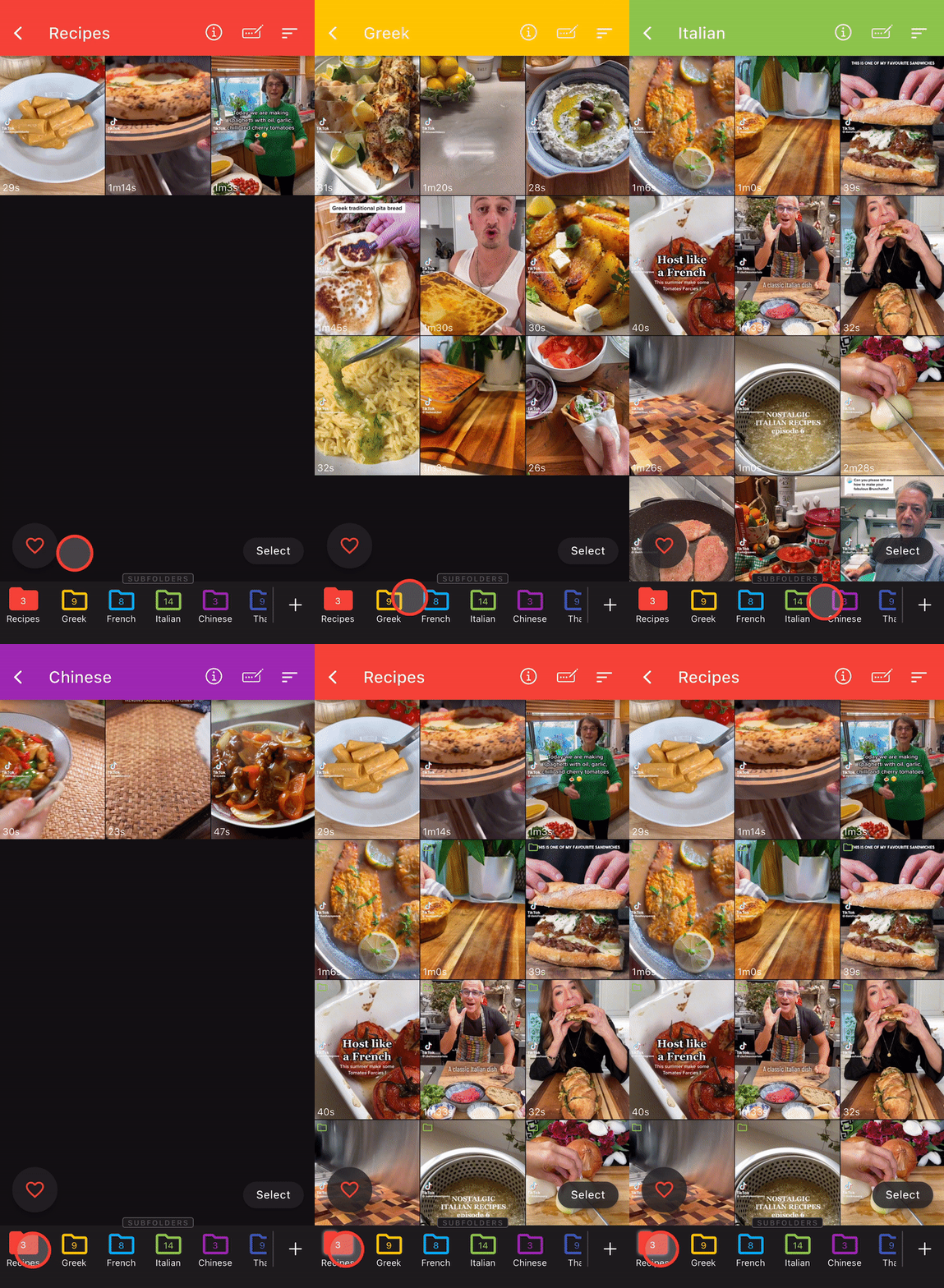
Once you've created subfolders, you can navigate through folders by tapping folder icons.
The leftmost folder is the root folder and if you double tap it, all the associated videos including its subfolders' will be listed.
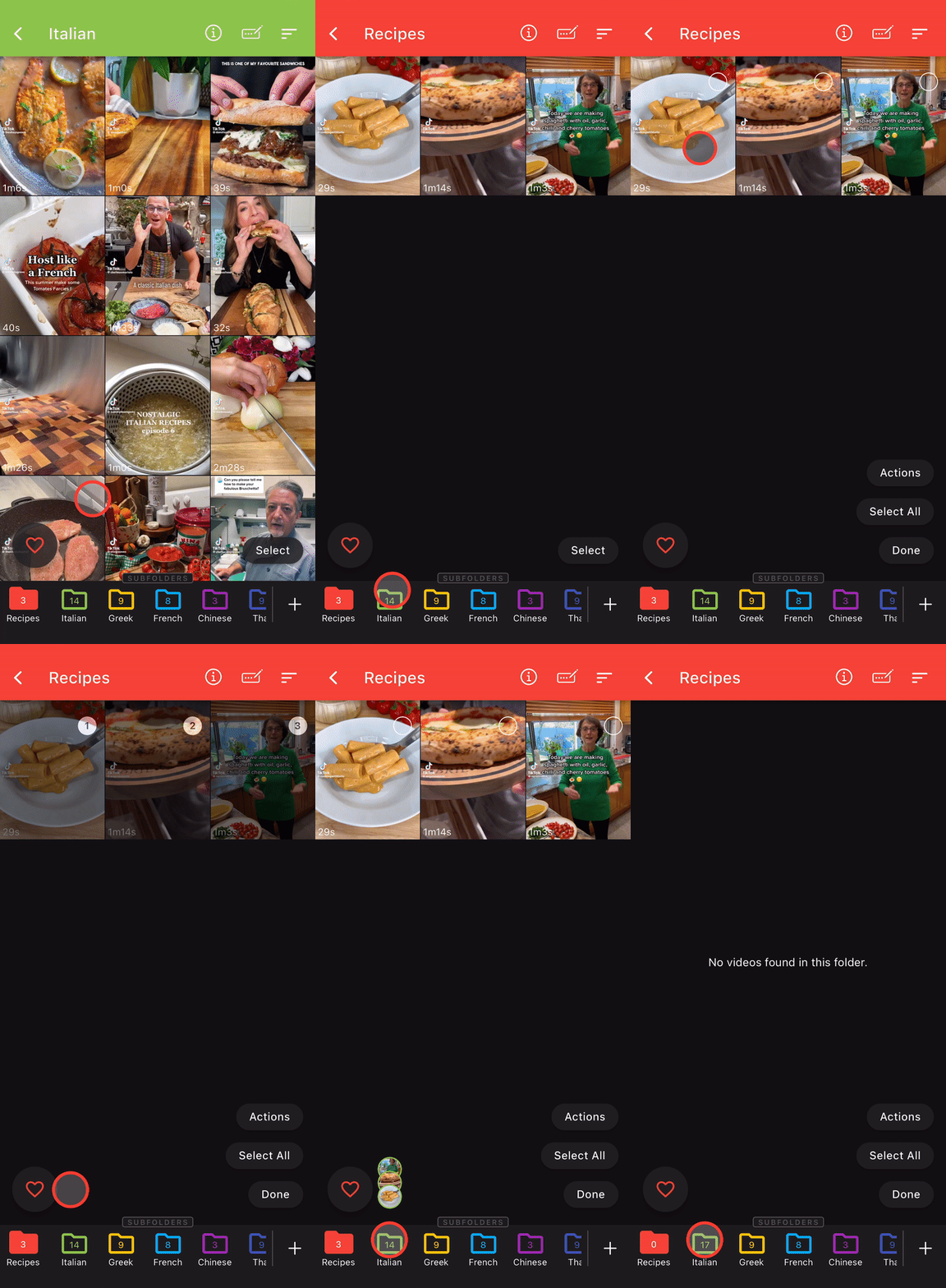
You can also move videos between folders in the same way you did on the Organize tab.
Below you can see how to move videos from the root folder(Receipes) to its subfolder(Italian).
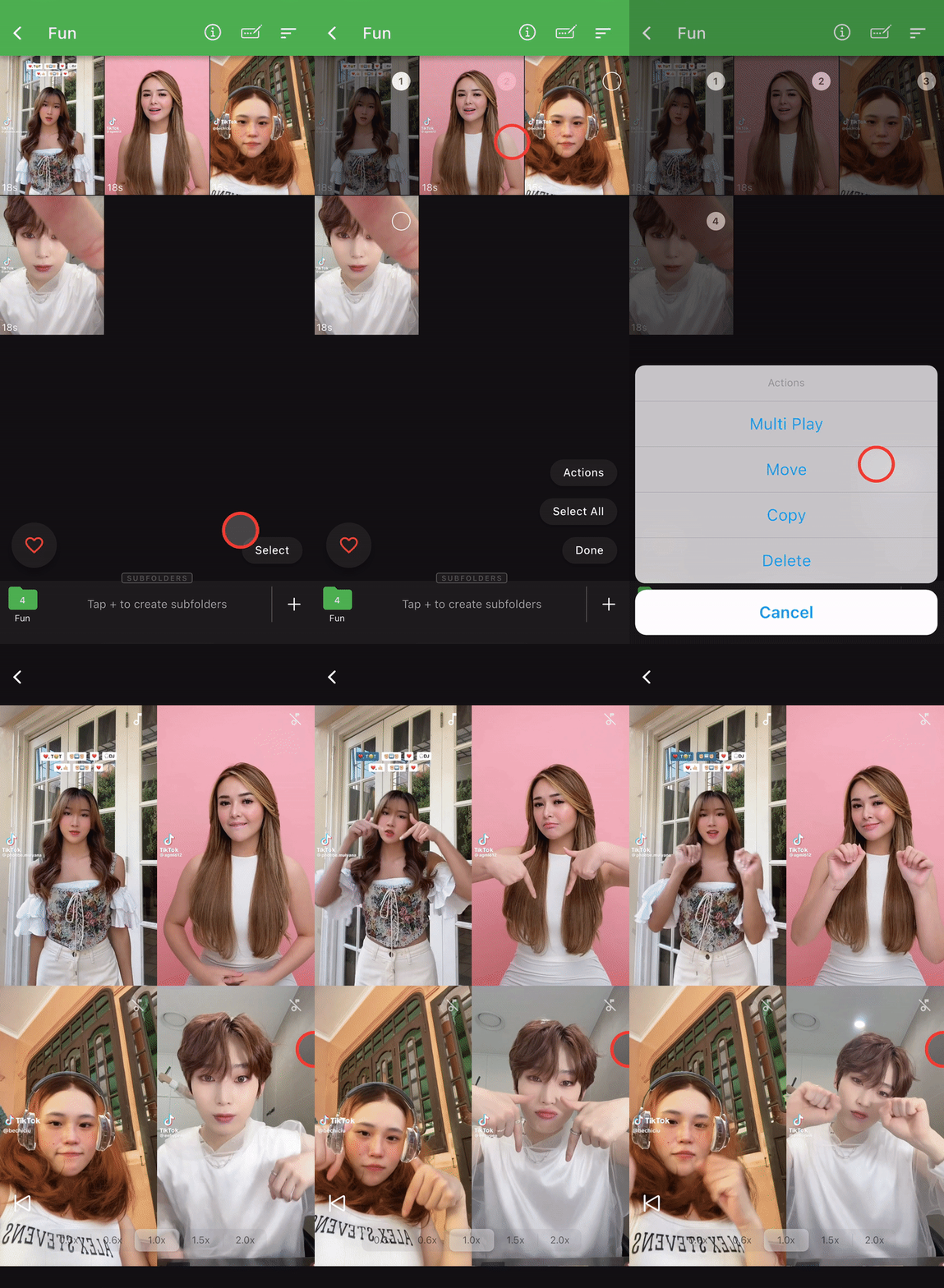
Play multiple videos simultaneously
Another cool feature of PickTok is being able to play multiple videos simultaneously on the same screen.
1. Hit 'Select'
2. Select downloaded videos.
3. Hit 'Actions' then 'Multi Play'.